
Okta integration
Credit to @fas3r for the original walkthrough.
TIP
This chapter walks through a sample application that implements SP-initiated SSO with Okta.
Prerequisites
- samlify
- Express (or another Node.js web framework)
- body-parser
Step-by-step tutorial
1. Create a new SAML 2.0 web app in Okta

2. Configure the SAML integration
General settings:

Configure SAML:
WARNING
Never upload your private key online.

- Single Sign-On URL — the endpoint that receives the POSTed SAML response.
- Audience URI — the URL that serves the SP metadata. Not required if you prefer not to publish metadata; see Metadata distribution.
- Assertion Encryption — set to Encrypted to encrypt the SAML assertion.
- Encryption Certificate — upload the
*.cerused by samlify to encrypt the assertion.

- Add the attribute statements / groups to return in the assertion.
Feedback:
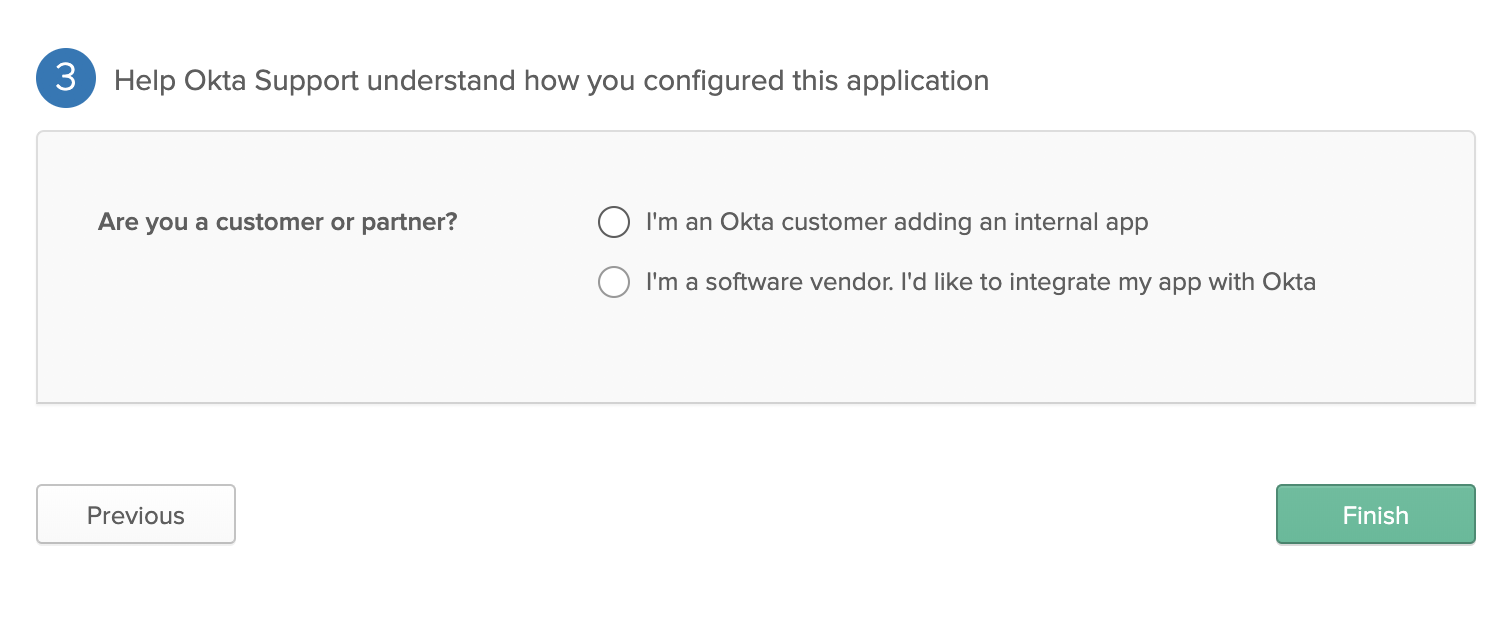
- Choose the option that matches your deployment.
3. Review the Sign On tab

- Red arrow: the SAML 2.0 signing certificate.
- Green arrow: download the IdP XML metadata for the application.
- Blue arrow: direct link to the application's metadata URL.
- The General tab should look similar to:

4. Example code
js
const express = require('express');
const fs = require('fs');
const saml = require('samlify');
const axios = require('axios');
const bodyParser = require('body-parser');
const app = express();
app.use(bodyParser.urlencoded({ extended: true }));
app.use(bodyParser.json());
app.use(serveStatic(path.resolve(__dirname, 'public')));

// URL of the Okta metadata document.
const uri_okta_metadata = 'https://dev-xxxxxxx.oktapreview.com/app/APP_ID/sso/saml/metadata';

axios.get(uri_okta_metadata).then(response => {

  const idp = saml.IdentityProvider({
    metadata: response.data,
    isAssertionEncrypted: true,
    messageSigningOrder: 'encrypt-then-sign',
    wantLogoutRequestSigned: true
  });

  const sp = saml.ServiceProvider({
    entityID: 'http://localhost:8080/sp/metadata?encrypted=true',
    authnRequestsSigned: false,
    wantAssertionsSigned: true,
    wantMessageSigned: true,
    wantLogoutResponseSigned: true,
    wantLogoutRequestSigned: true,
    // Private key (PEM) used to sign the assertion.
    privateKey: fs.readFileSync(__dirname + '/ssl/sign/privkey.pem'),
    // Passphrase for the signing private key.
    privateKeyPass: 'VHOSp5RUiBcrsjrcAuXFwU1NKCkGA8px',
    // Private key (PEM) used to decrypt the assertion.
    encPrivateKey: fs.readFileSync(__dirname + '/ssl/encrypt/privkey.pem'),
    isAssertionEncrypted: true,
    assertionConsumerService: [{
      Binding: saml.Constants.namespace.binding.post,
      Location: 'http://localhost:8080/sp/acs?encrypted=true',
    }]
  });

  app.post('/sp/acs', async (req, res) => {
    try {
      const { extract } = await sp.parseLoginResponse(idp, 'post', req);
      console.log(extract.attributes);
      /**
       * Application logic goes here.
       * `extract.attributes` typically contains firstName, lastName, email, uid, and groups.
       */
    } catch (e) {
      console.error('[FATAL] failed to parse the login response from Okta', e);
      return res.redirect('/');
    }
  });

  app.get('/login', async (req, res) => {
    const { id, context } = await sp.createLoginRequest(idp, 'redirect');
    console.log(context);
    return res.redirect(context);
  });

  app.get('/sp/metadata', (req, res) => {
    res.header('Content-Type', 'text/xml').send(idp.getMetadata());
  });

});